Solar Pump Controller Settings: MPPT, Voltage, Protection and How to Configure Your System Correctly
Introduction
The controller is the brain of a solar water pump: it extracts maximum power from the panels, matches voltage to the motor, and protects the system. Getting its settings right prevents failures and wasted energy. KINBO controllers ship with sensible defaults but expose key parameters for tuning. This article covers MPPT, voltage, protection and configuration.
Table of Contents
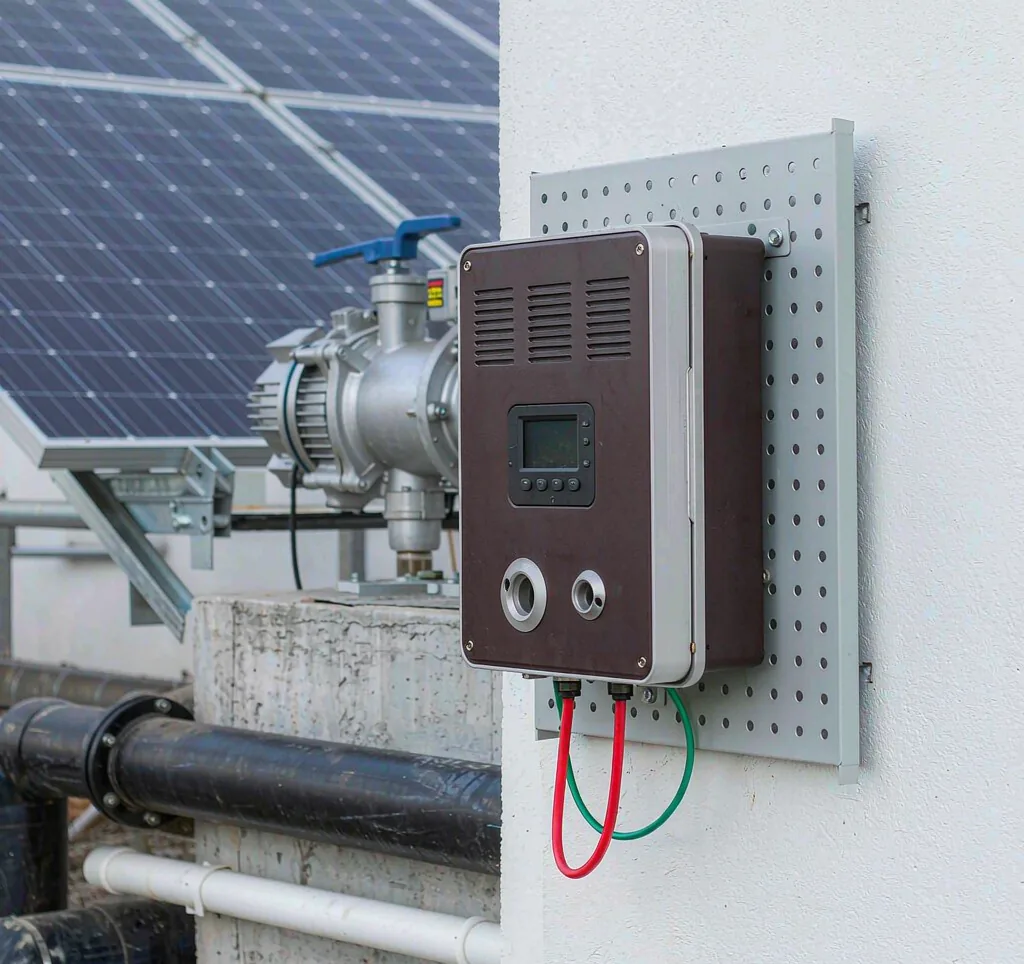
Understanding MPPT
Maximum Power Point Tracking continuously adjusts the load to keep panels at their peak output as light changes. Good MPPT can recover meaningful daily energy. It is the first setting to verify after install.
On cloudy or dusty days, MPPT keeps output closer to potential than a fixed setpoint would.
Poor MPPT tuning is a silent cause of under-performance that operators often miss.
Voltage and Current Settings
Set the controller’s input voltage window to your panel string and the output to the motor rating. Mismatches cause shutdowns or overheating.
| Parameter | Set to | Risk if wrong |
|---|---|---|
| Vin window | Panel Vmp range | No start |
| Vout | Motor rating | Damage |
| Current limit | Above start | Trip |
Always re-measure panel voltage under load rather than trusting nameplate alone.
When in doubt, measure open-circuit voltage at the array at midday and confirm it stays within the controller’s window even at the highest expected cell temperature, since heat lowers voltage and can push the string out of range.
Protection Features
Enable dry-run protection (stops on low source), over-voltage and over-temperature cutoffs, and reverse-polarity guards. A broader guide to choosing a solar water pump lists what to expect.
Dry-run protection alone prevents most borehole pump burnouts.
Modern controllers also log fault history, so an operator can see whether a trip was a one-off brownout or a recurring dry-run event pointing to a falling water table. Trending these logs predicts maintenance before failure.
Step-by-Step Configuration
Configure in order: set voltage windows, enable MPPT, set current limit above starting current, then turn on protections. Test at midday for a stable operating point.
- Confirm panel string voltage.
- Set Vin and Vout.
- Enable MPPT.
- Set current limit.
- Enable protections and test.
Document the final settings so future service visits are fast.
After the first commissioning, re-verify settings after one week of operation, because panel voltage settles and dust or shading can shift the real operating point from the design assumption.
Troubleshooting
If the pump will not start, check panel voltage at the controller, confirm protections are not tripping, and verify the motor matches output. KINBO logs faults to speed diagnosis.
Most no-start cases trace to voltage window or dry-run trips rather than hardware failure.
If output is low but the pump runs, check for partial shading, dirty panels or a clogged intake rather than the controller – these are far more common than electronic faults and are cheap to fix with routine upkeep.
Frequently Asked Questions
What does MPPT do in a solar pump controller?
Maximum Power Point Tracking adjusts the load to keep panels at peak output as sunlight changes, maximizing daily energy harvest.
What voltage should I set?
Set the input window to your panel string voltage and the output to the motor rating; mismatches cause no-start or damage.
Which protections should be enabled?
Enable dry-run, over-voltage, over-temperature and reverse-polarity protection to prevent damage and downtime.
Why won’t my pump start?
Check panel voltage at the controller, ensure protections are not tripping, and verify the motor matches the controller output.
For B2B buyers solar pump controller configuration, contact KINBO for competitive FOB pricing and technical specifications.
Related Articles
- Solar Pump Head Calculation: How to Size Static Lift, Friction Loss and Total Dynamic Head Correctly
- Pump Curve Explained: How to Read, Interpret and Use a Solar Water Pump Performance Curve Correctly
- Explore KINBO Built-in Controller Solar Pumps